
This task demonstrates RLM’s capability to detect and write back changes made to Salesforce data fields directly into Salesforce.
- Create an RLM Instance: Create a new RLM instance.
- Client Redlining and Field Change: As the client, redline the document, specifically changing a Salesforce field (e.g., account name), and send it back with a “Rejected” response.
- Internal Reviewer Acceptance: As the internal reviewer, accept the changes made by the client.
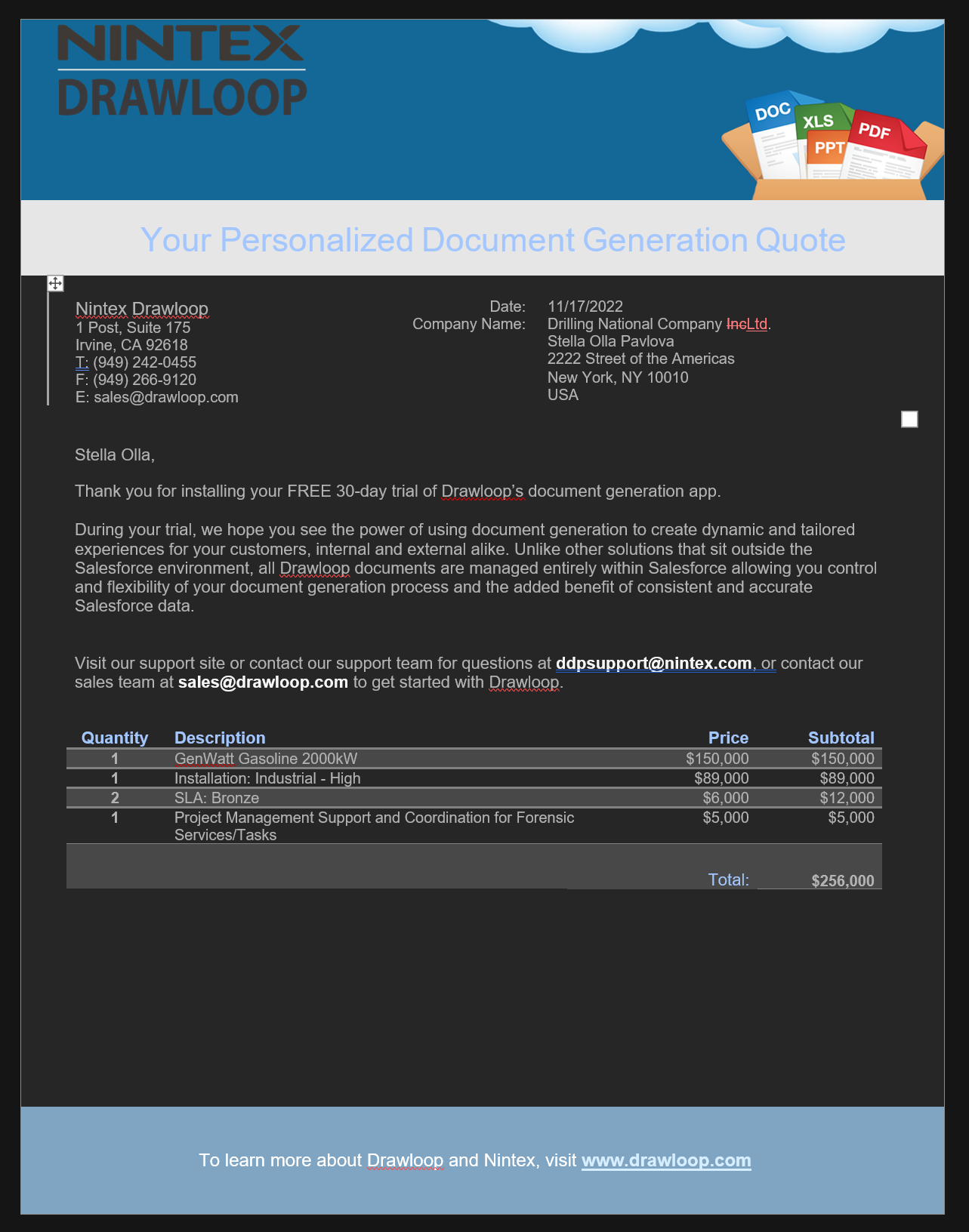
- Account Name Change: Observe the change applied to the account name within Salesforce.
- Timeline: Review the updated timeline reflecting the writeback process.
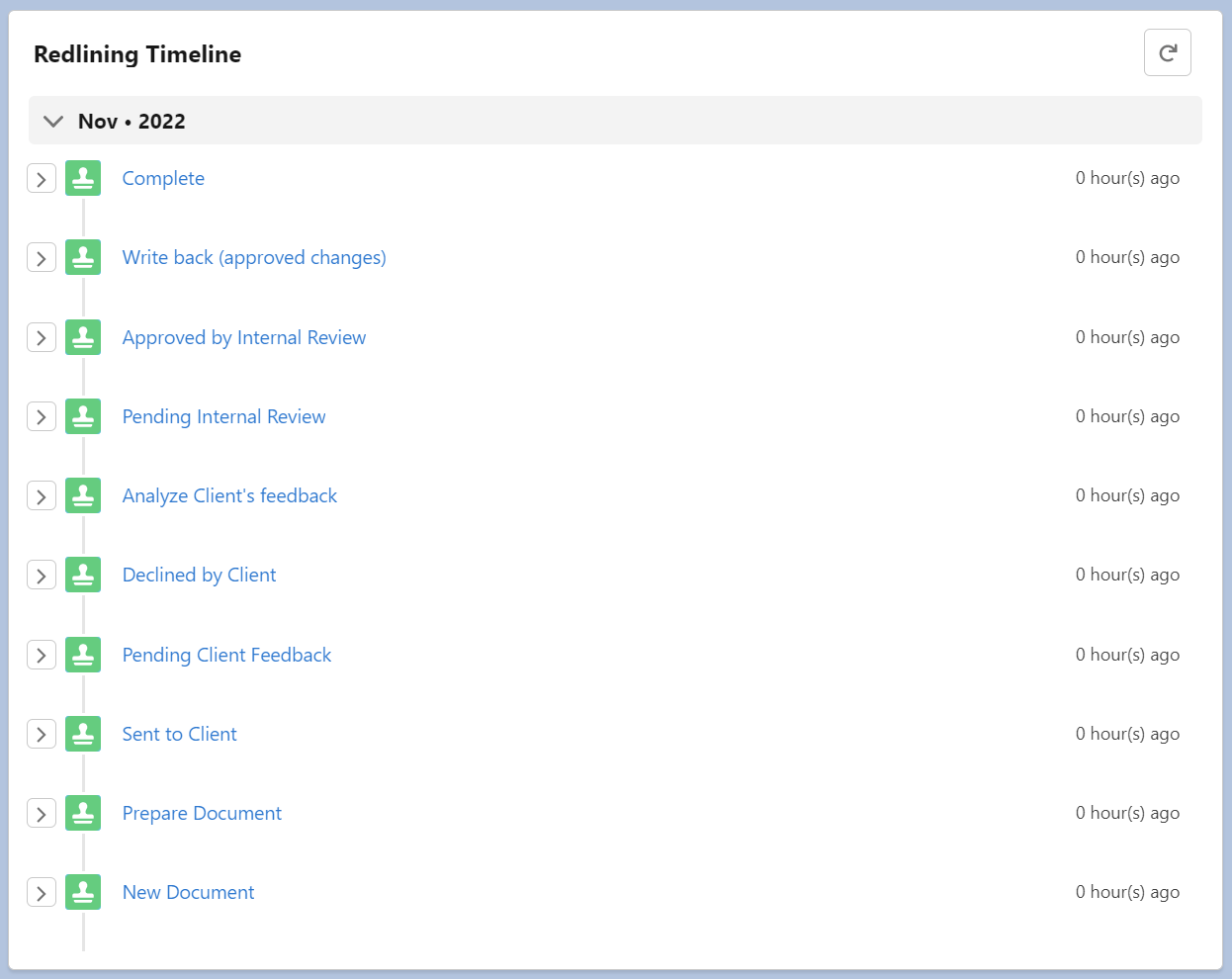
- Audit Trail: Examine the audit trail for detailed records of the field changes.

- Writeback Verification:
- Before Redline Instance Creation: Observe the initial Salesforce field value.

- After Approval: Verify that the Salesforce field value has been updated to reflect the approved change.


